Make Your Website Accessible to Everyone.
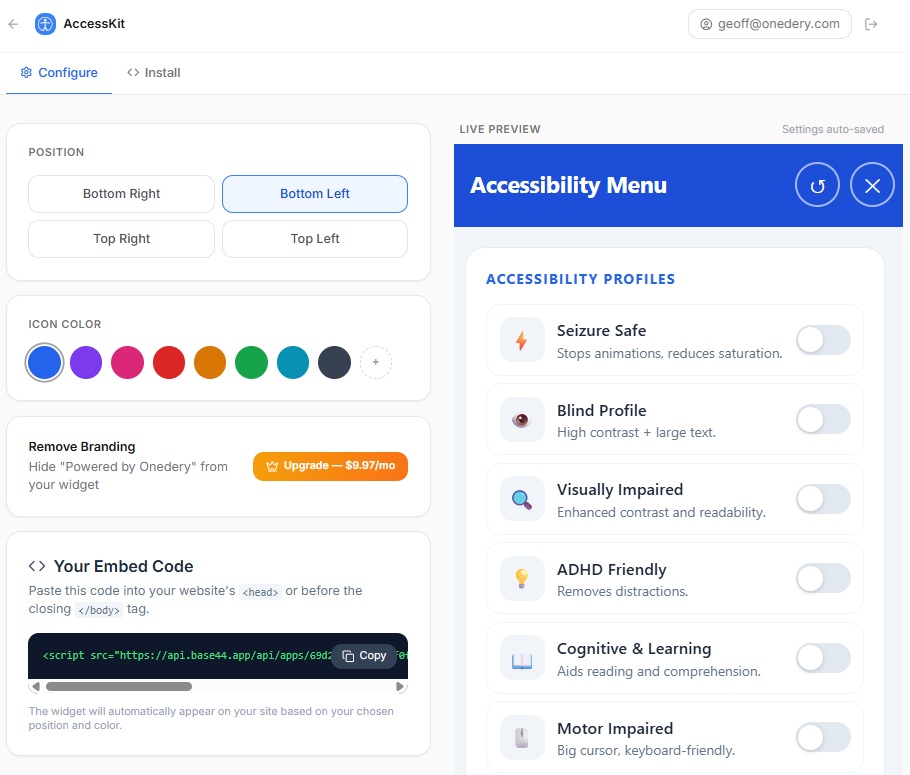
Protect your business from costly lawsuits and improve user experience with our free ADA compliance widget. Ensure WCAG 2.1 AA standards with just one line of code.
Ignoring ADA Compliance is Costly
Failure to comply with the Americans with Disabilities Act (ADA) can lead to severe consequences for your business. The DOJ requires compliance from state/local governments, and Title III covers public-facing businesses.
Legal Lawsuits
Businesses are increasingly targeted by legal action if their websites are not accessible. Defending a lawsuit can cost tens of thousands of dollars, regardless of the outcome.
Alienated Customers
Over 1 in 4 adults in the US have some type of disability. An inaccessible website means you are actively turning away a massive segment of potential customers.
Brand Damage
Public perception matters. Being known as a company that doesn't care about accessibility and inclusivity can severely damage your brand's reputation and trust.
Check your ADA compliance
in seconds
Enter any website URL and our AI will analyze it for ADA & WCAG 2.1 issues.
Requirements for Compliance
ADA compliance generally means following WCAG 2.1 Level AA guidelines. Here are the core requirements your site needs to meet.
Keyboard Navigation
All features, links, and forms must be fully operable without a mouse, using only a keyboard (Tab, Enter, Arrows).
Screen Reader Friendly
Proper HTML markup, clear labels, and ARIA attributes are necessary for screen readers to interpret the page for visually impaired users.
Color Contrast
Text must have a contrast ratio of at least 4.5:1 against its background to be readable by users with visual impairments.
Descriptive Alt Text
All images must have descriptive alternative text (alt text) so screen readers can describe the image to the user.
Video Captions
All video and audio content must have accurate captions and transcripts available for deaf or hard-of-hearing users.
Scalable Text
Text should be resizable up to 200% without loss of functionality or content overlapping.
Beyond Compliance: The Benefits
Making your website accessible isn't just about avoiding lawsuits - it's good for business.
Broader Audience Reach
Accessible websites are usable by a wider range of people, including the elderly and those with temporary or permanent disabilities, expanding your market size.
Improved SEO Rankings
Properly marked-up websites with semantic HTML and descriptive alt text are better understood by search engines, leading to higher organic rankings.
Better User Experience
Features like high contrast, clear navigation, and logical structure improve usability for everyone, leading to lower bounce rates and higher conversions.
How to Test for Compliance
- 1
Keyboard Testing
Unplug your mouse and use the "Tab" button and arrows to ensure you can navigate, click links, and fill out forms.
- 2
Screen Reader Testing
Utilize built-in tools like VoiceOver (Mac) or NVDA (Windows) to test the user experience for visually impaired visitors.
- 3
Automated Tools
Use tools such as WAVE or AccessibilityChecker.org to detect technical failures and structural issues.
Ready to Make Your Site Accessible?
Don't wait for a lawsuit. Add our free ADA widget to your website today and instantly provide accessibility tools for your visitors.
Takes less than 2 minutes to install. Works on any platform.